 fb7eae8f02
* Fix GRS overlays bugs

- [ ] Another change: when typing values, we shouldn't round the number to 2 decimal places, instead it should show the exact number the user types, including trailing zeros if the user types those.
- [ ] For Scale, the solid vs. dashed line that follows the cursor is following the projected location of the cursor onto that line. It should not be doing that, instead it should be displaying the actual scale ratio. 0 means at the center. 1 means at the starting point of the Sscale. 0.5 means half is solid, half is dashed. Notice in my video below, I'm able to make the solid line's end go all the way to the center, which should occur at a scale factor of 0, without ever having the scale factor even go below 0.5. Because currently the two values aren't related. Furthermore, this is necessary to visualize snapping when Ctrl is pressed and to properly handle slowing when Shift is pressed.
    https://files.keavon.com/-/QuirkyYummyGrayfox/capture_38_.mp4
- [ ] Implement integer-value snapping for Grab when Ctrl is pressed? It should work whether we're freely moving or constrained to X or Y (but still mouse controlled; Ctrl doesn't affect typed numbers). So when Ctrl is held, we shouldn't see decimal values. You'll need to zoom in past 100% to see decimal values.
- [ ] We don't enter G, R, or S mode until after pressing one of those keys and then moving the mouse cursor. It should happen immediately upon pressing the key, before needing to move the cursor.
- [ ] The hints need to be updated to work dynamically with the state of global vs. local X and Y constraint, and include - negation, numbers, and Backspace if numbers are typed.
- [ ] In the Path tool, we actually do want the Rotation to start from the direction of the cursor rather than the local rotation of the layer. So if you can undo that change specifically for the Path tool, but keep it for the Select tool, that would be ideal.
- [ ] When G is constrained to Y in both Path and Select tools, the number label shouldn't swap sides based on moving the mouse left and right offset by the pivot-to-start-point X offset distance. Alternatively, you could keep this behavior but make it swap to the side that the mouse is currently on (removing the pivot-to-start-point X offset from the current mouse position). When solving this, just be sure you don't break the correct behavior for G when unconstrained to an axis, since we like how the Y component label swaps sides. Please also double-check that you're not drawing any extra (overlapping) overlay lines than the necessary 1 when in X or Y constraint mode, or when X or Y happen to be precisely 0. https://files.keavon.com/-/EachWeeArcticseal/capture_39_.mp4
- [ ] Remove the bottom-left viewport overlay labels for the G/R/S status

* Remove bottomleft GRS overlay

* Fix backspace minus

* Implement integer-value snapping for Grab when Ctrl

* Use built-in coordinates for translation

* Show the exact value in Typing including trailing zeros

* Make rotation overlay start along the cursor rather than the local rotation of the layer in path tool

* Properly handle slow down and other effects on scale

* Start the transformation overlay immediately rather than after first change

* Hints for typing and global/local axes

* Prevent drawing overlapping if X or Y is 0

* Fix number being replaced by - when in negated transformation

* Fix fixes

* Invert scale delta in inverted mode

* Code review

---------

Co-authored-by: Keavon Chambers <keavon@keavon.com>
|
||
|---|---|---|
| .devcontainer | ||
| .github | ||
| .vscode | ||
| demo-artwork | ||
| editor | ||
| frontend | ||
| libraries | ||
| node-graph | ||
| proc-macros | ||
| website | ||
| .editorconfig | ||
| .gitattributes | ||
| .gitignore | ||
| .nvmrc | ||
| .prettierrc | ||
| Cargo.lock | ||
| Cargo.toml | ||
| LICENSE.txt | ||
| README.md | ||
| about.hbs | ||
| about.toml | ||
| deny.toml | ||
| package-lock.json | ||
| package.json | ||
| rustfmt.toml | ||
| shell.nix | ||
README.md
Your procedural toolbox for 2D content creation
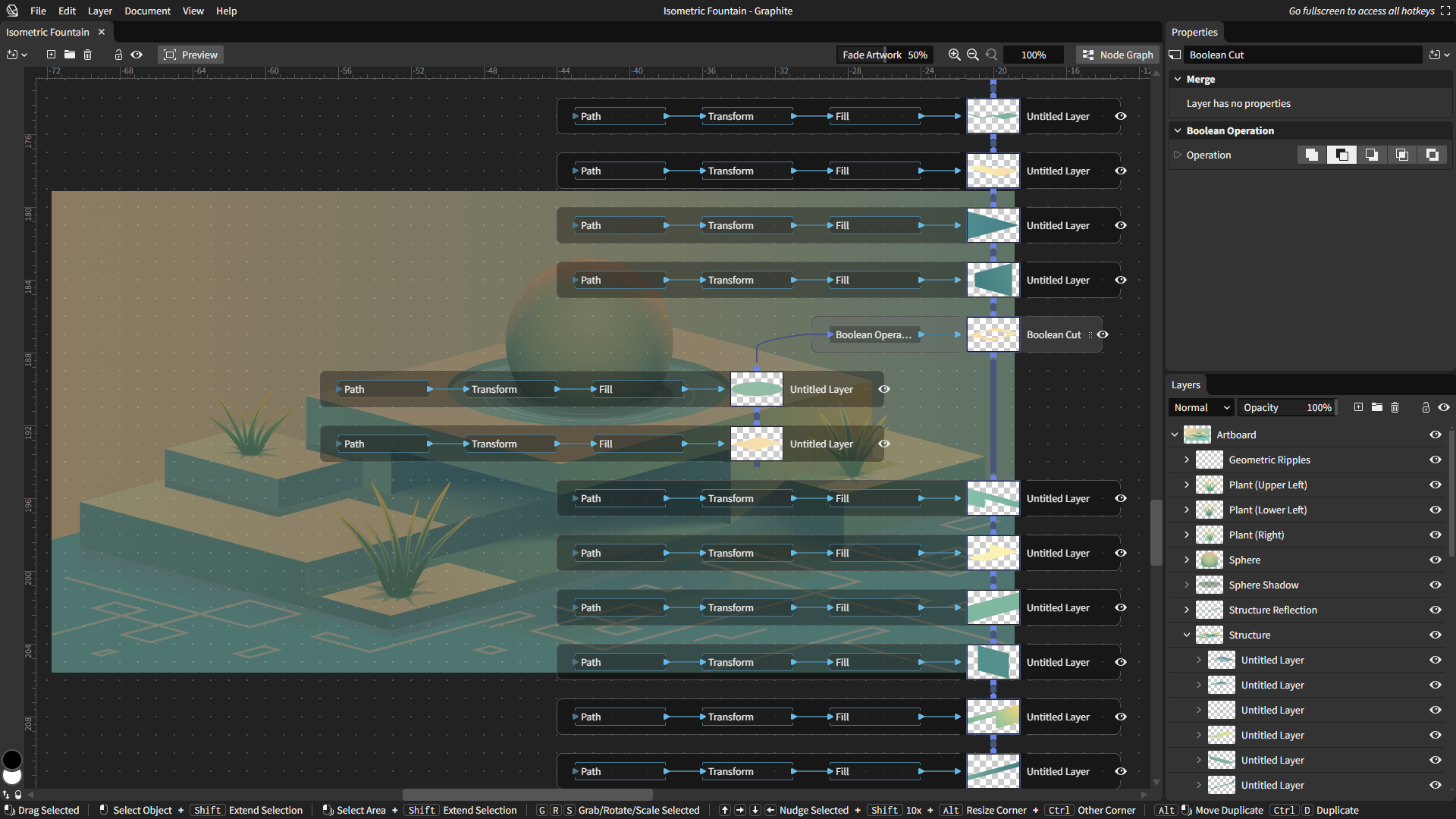
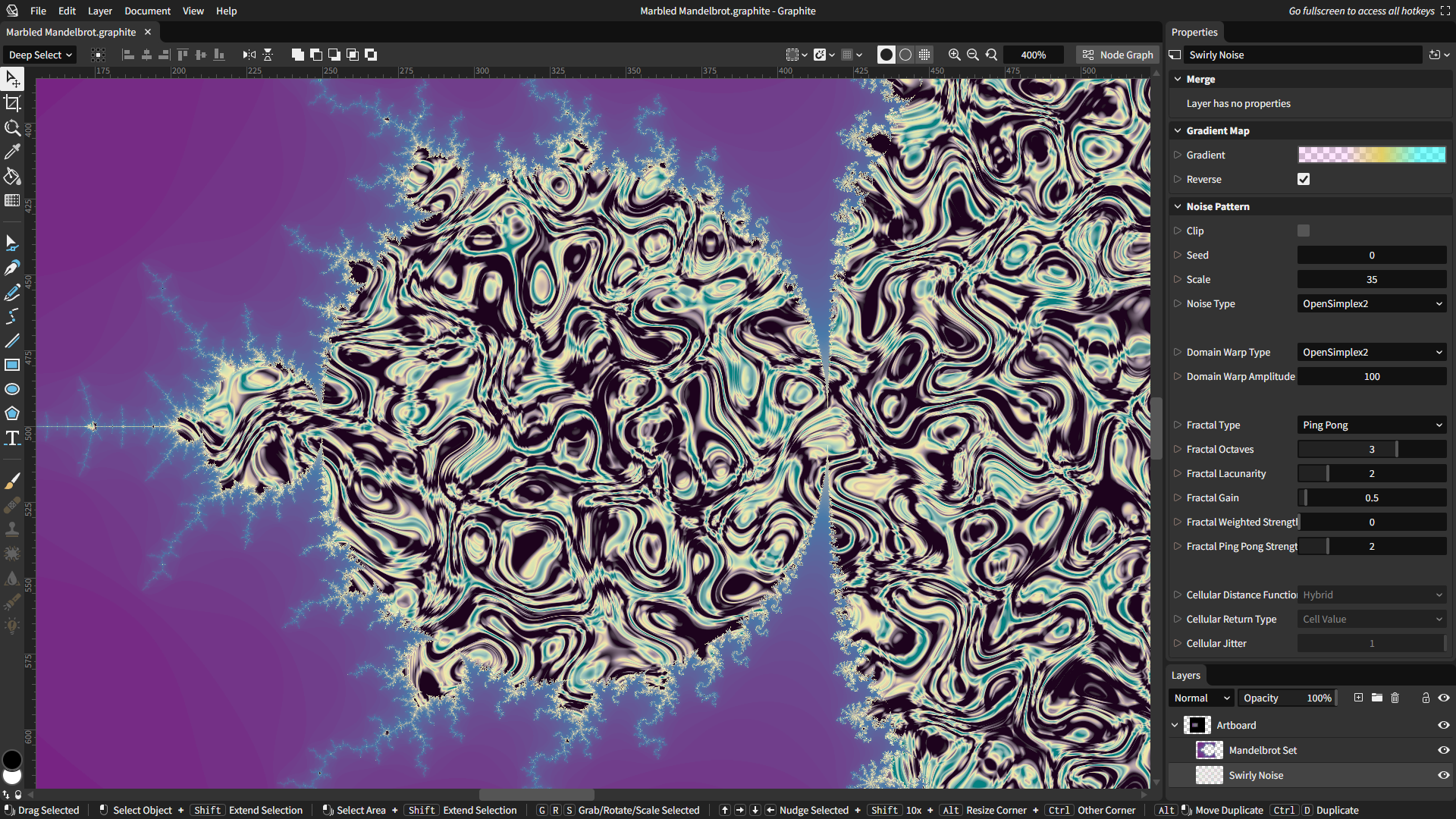
Graphite is a free, open source vector and raster graphics engine, available now in alpha. Get creative with a nondestructive editing workflow that combines layer-based compositing with node-based generative design.
Having begun life as a vector editor, Graphite continues evolving into a generalized, all-in-one graphics toolbox that's built more like a game engine than a conventional creative app. The editor's tools wrap its node graph core, providing user-friendly workflows for vector, raster, and beyond. Photo editing, motion graphics, digital painting, desktop publishing, and VFX compositing are additional competencies from the roadmap making Graphite into a highly versatile content creation tool.
Learn more from the website, subscribe to the newsletter, consider volunteering or donating, and remember to give this repository a ⭐!
Screenshots
Contributing/building the code
Are you a graphics programmer or Rust developer? Graphite aims to be one of the most approachable projects for putting your engineering skills to use in the world of open source. See instructions here for setting up the project and getting started.
By submitting code for inclusion in the project, you are agreeing to license your changes under the Apache 2.0 license, and that you have the authority to do so. Some directories may have other licenses, like dual-licensed MIT/Apache 2.0, and code submissions to those directories mean you agree to the applicable license(s).
Support our mission ❤️
Graphite is 100% community built and funded. Please become a part of keeping our project alive and thriving with a donation if you share a belief in our mission:
Graphite strives to unshackle the creativity of every budding artist and seasoned professional by building the best comprehensive art and design tool that's accessible to all.
Mission success will come when Graphite is an industry standard. A cohesive product vision and focus on innovation over imitation is the strategy that will make that possible.